
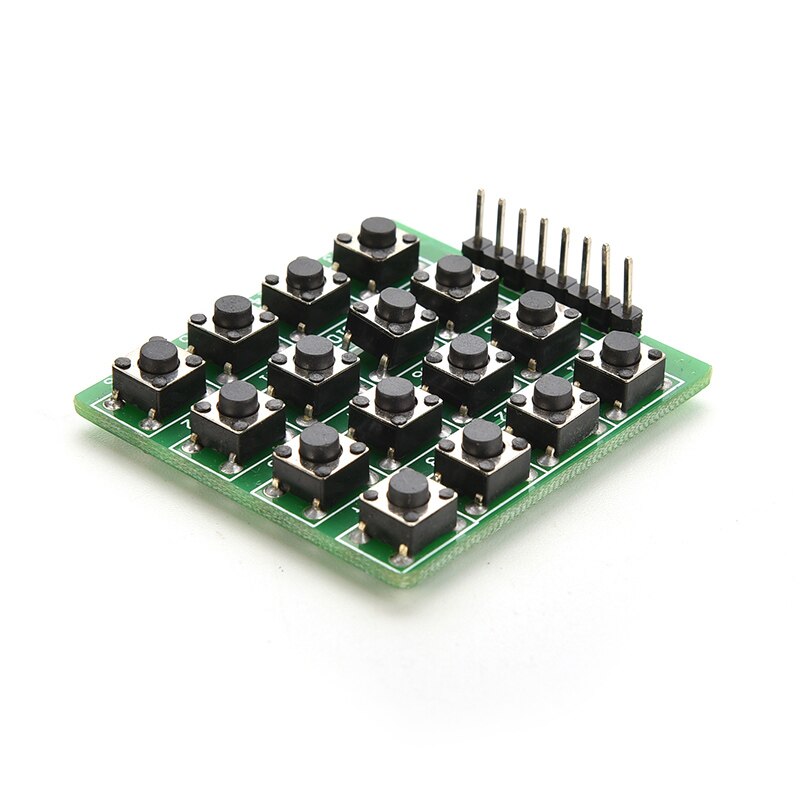
4×4 Matrix 16 Keypad Keyboard Module 16 Button MCU

Ask Our AI Assistant

Product Image
Working Principle

Description

The 4 x 4 matrix keypad works by detecting key presses through rows and columns. Power is connected to rows, which are set to High level. By setting rows as Low and detecting column statuses, key presses are identified. The intersection of the row and column indicates the pressed key.

Sensor Types

Keypad Module

Dos And Donts

Donts

  • Avoid Setting All Rows And Columns To High Simultaneously: This may lead to incorrect key press detection.

Dos

  • Test For Key Presses By Following The Specified Power Connection Sequence: Connect power to rows, set rows as Low, and detect column statuses.
Limits

Item Type

Keypad Module

Switch Type

Momentary

How To Connect

Connection Steps

  • 1: Connect power to rows (R1-R4),
  • 2: Set rows as Low and detect column statuses,
  • 3: Identify the pressed key by intersecting row and column
Dimensions

Height (Mm)

11

Length (Mm)

42

Weight (G)

9

Width (Mm)

39